Sharpen Images Online
Sharpen soft images with AI and enhance detail in one click.
Choose an image
Drag & drop your image here, or click to browse
Preview the result
Review the returned image and download it if it meets your needs.
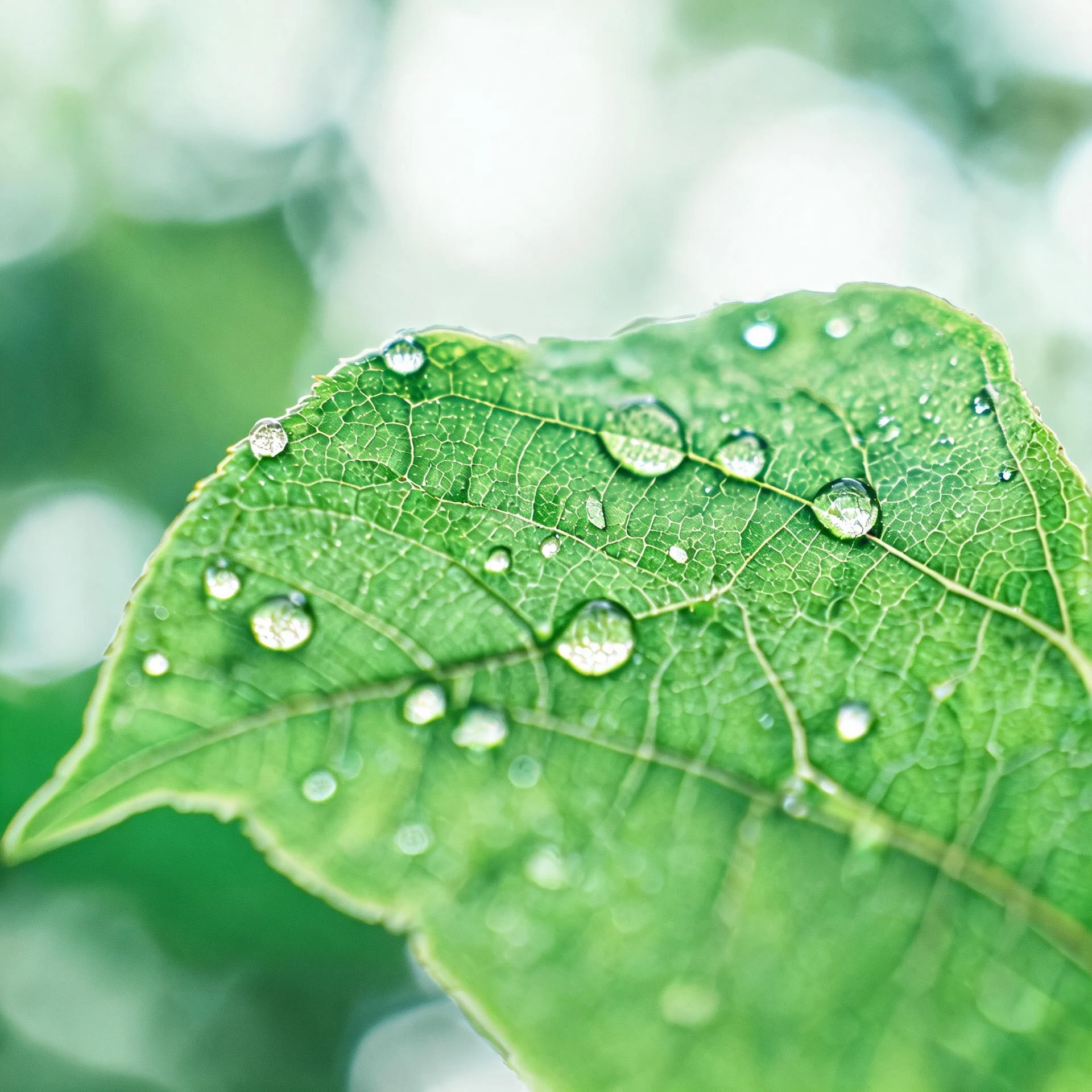
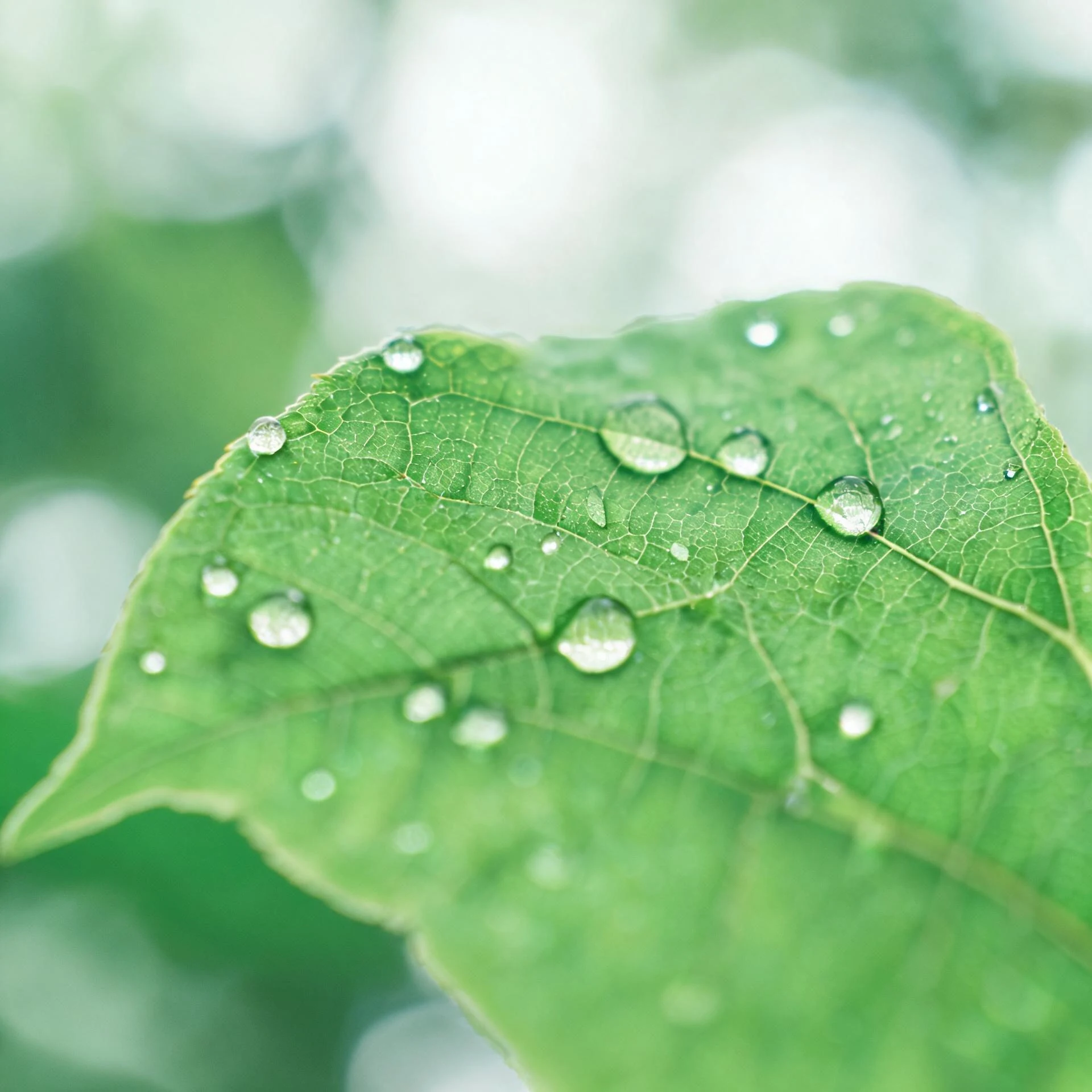
How it works
Upload an image, run the selected tool, then preview and download the returned result.
Upload an image
Choose or drop a supported image.
Process image
The service applies the selected tool to the uploaded image.
Preview the result
Review the returned image and download it if it meets your needs.
How image sharpening works
Sign in, upload a soft photo, and the AI sharpens it automatically.
Automatic sharpening
The AI detects soft areas and sharpens them in one pass.
Clearer edges
Bring back edge definition and texture that look soft.
Natural results
Sharpening is applied without adding harsh artifacts.
Preview and download
Compare the original and the sharpened result, then download.
Use the AI tools in your browser
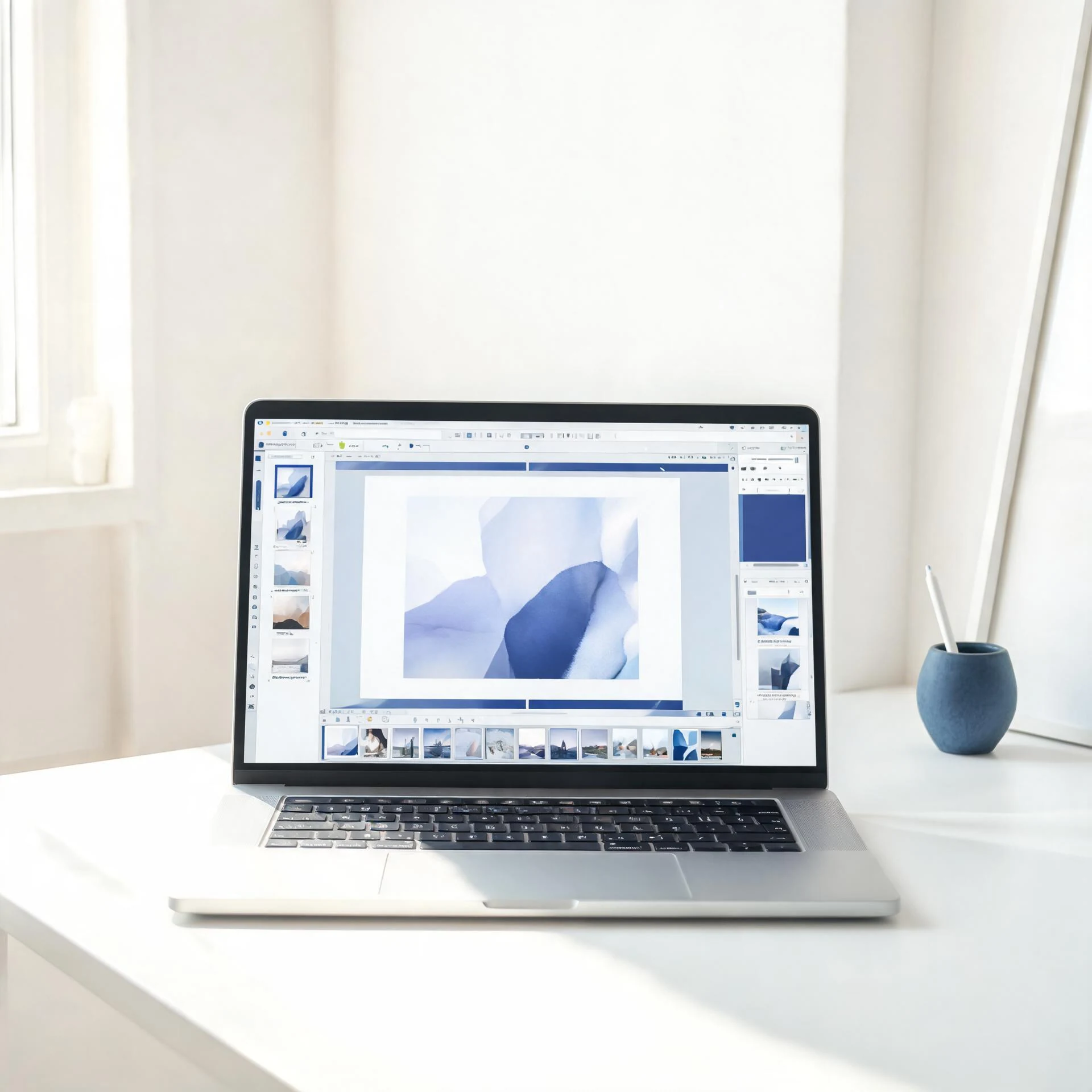
Open a tool in the browser, upload an image, and the editor shows the result for preview and download.
Choose an available AI tool
Upload an image to try this tool.
Sharpen an image with Pixcutly's AI sharpener. Sign in, upload a soft photo, and the AI brings out fine detail automatically.
Features
AI image sharpening that boosts edge definition without adding noise. Sign in, upload a picture, and compare the before-and-after.
How to use
- 1
Sign in and upload the image.
- 2
Start processing — the AI sharpens it automatically.
- 3
Preview the result.
- 4
Download the sharpened image.
FAQ
How do I sharpen a blurry image?
Sign in, upload it, and start processing. The AI enhances edges and detail automatically.
Is sharpening the same as unblurring?
Sharpening boosts edge contrast for slightly soft photos, while unblurring recovers detail from more heavily blurred shots.
Do I need to sign in?
Yes. Sign in before starting an AI processing task.