Fix Backlit Photos with AI
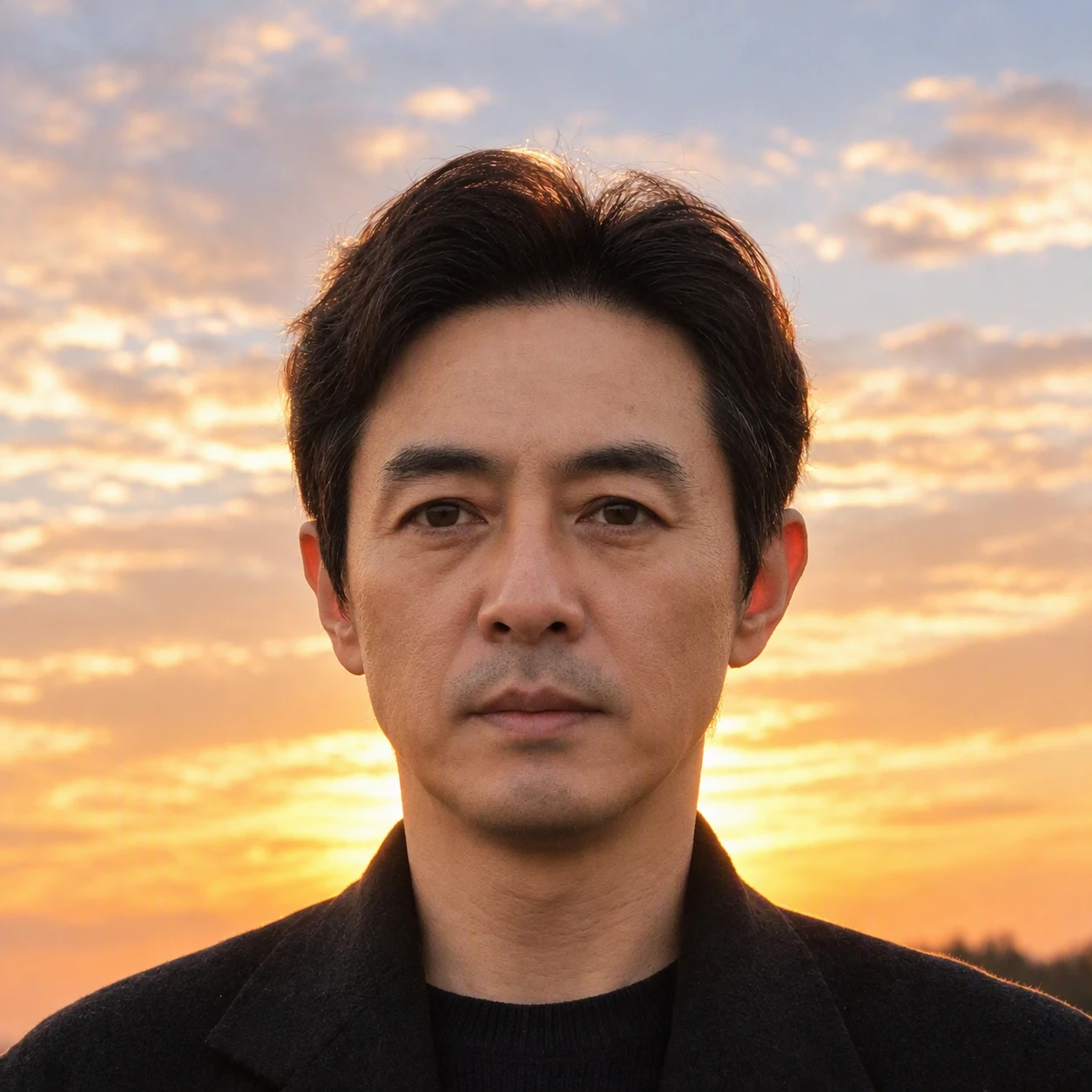
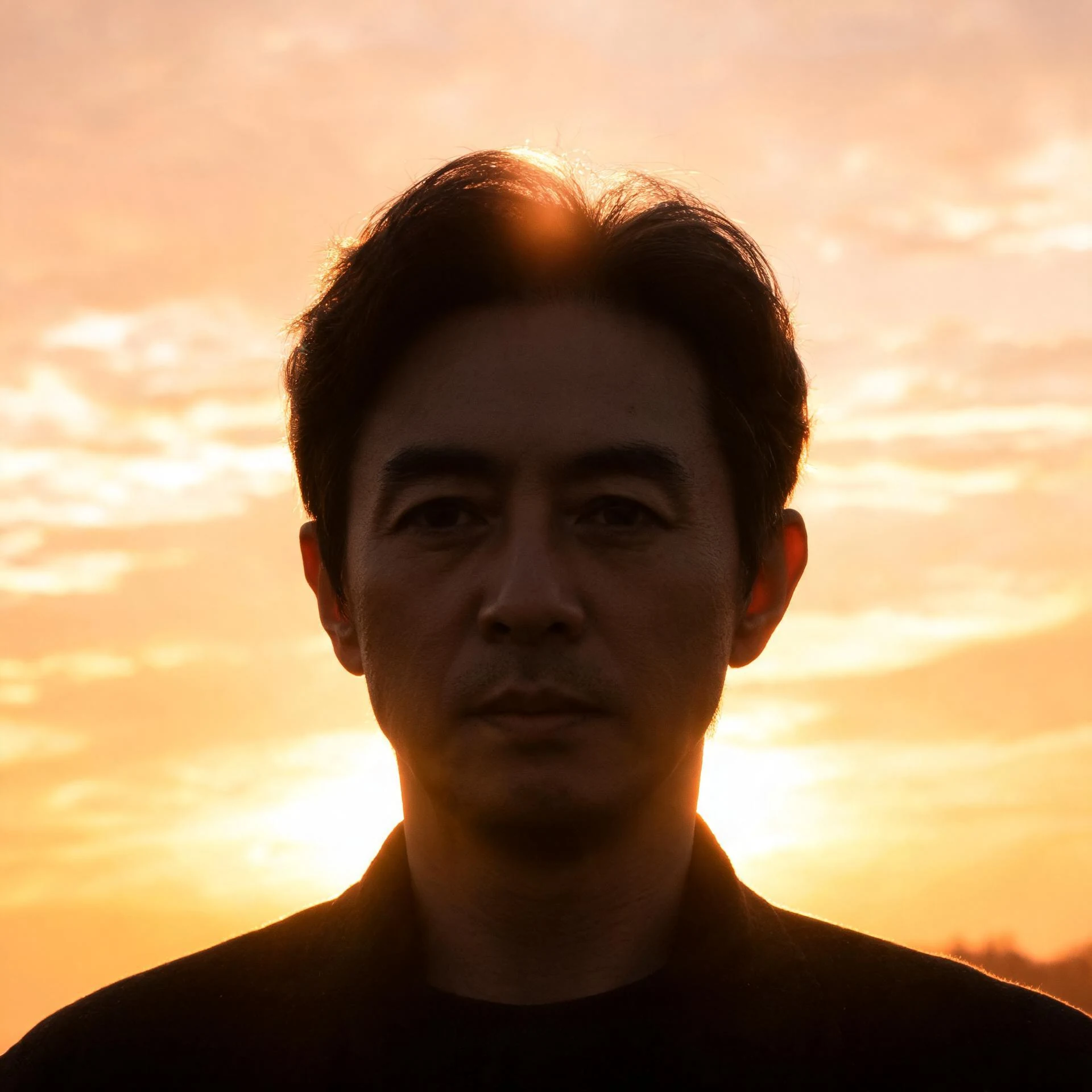
Fix backlit photos by brightening the dark subject and balancing exposure. Results vary by source image.
Choose an image
Drag & drop your image here, or click to browse
Preview the result
Review the returned image and download it if it meets your needs.
How it works
Upload an image, run the selected tool, then preview and download the returned result.
Upload an image
Choose or drop a supported image.
Process image
The service applies the selected tool to the uploaded image.
Preview the result
Review the returned image and download it if it meets your needs.
How backlight correction works
Sign in, upload a backlit photo, and the AI brightens the subject automatically.
Automatic exposure fix
The AI detects a dark subject and brightens it in one pass.
Shadow recovery
Bring back detail that is lost in the shadows.
Balanced lighting
The subject is brightened without overexposing the background.
Preview and download
Compare the original and the corrected result, then download.
Use the AI tools in your browser
Open a tool in the browser, upload an image, and the editor shows the result for preview and download.

Choose an available AI tool
Upload an image to try this tool.
Fix backlit photos with Pixcutly's AI backlight corrector. Sign in, upload a photo, and the AI brightens dark subjects automatically.
Features
AI backlight correction that lifts dark subjects without overexposing the background. Sign in, upload a photo, and download the fixed result.
How to use
- 1
Sign in and upload the backlit photo.
- 2
Start processing — the AI corrects the backlight automatically.
- 3
Preview the brightened result.
- 4
Download the fixed image.
FAQ
How do I fix a backlit photo?
Sign in, upload it, and start processing. The AI brightens the dark subject automatically.
Can it fix dark portraits?
Yes — it's designed for subjects that are too dark against a bright background.
Do I need to sign in?
Yes. Sign in before starting an AI processing task.