AI Image Upscaler & Enhancer Online
Enhance photo quality with AI.
Choose an image
Drag & drop your image here, or click to browse
Preview the result
Review the returned image and download it if it meets your needs.


How it works
Upload an image, run the selected tool, then preview and download the returned result.
Upload an image
Choose or drop a supported image.
Process image
The service applies the selected tool to the uploaded image.
Preview the result
Review the returned image and download it if it meets your needs.
How image enhancement works
Sign in, upload a photo, and the AI sharpens detail and reduces noise in a single pass.
Automatic enhancement
The AI analyzes the photo and applies sharpening and denoising automatically.
Finer detail
Bring out edges and texture that look soft or flat.
Cleaner low-light shots
Reduce grain and noise while keeping the image natural.
Preview and download
Compare the original and the enhanced result, then download.
Use the AI tools in your browser
Open a tool in the browser, upload an image, and the editor shows the result for preview and download.
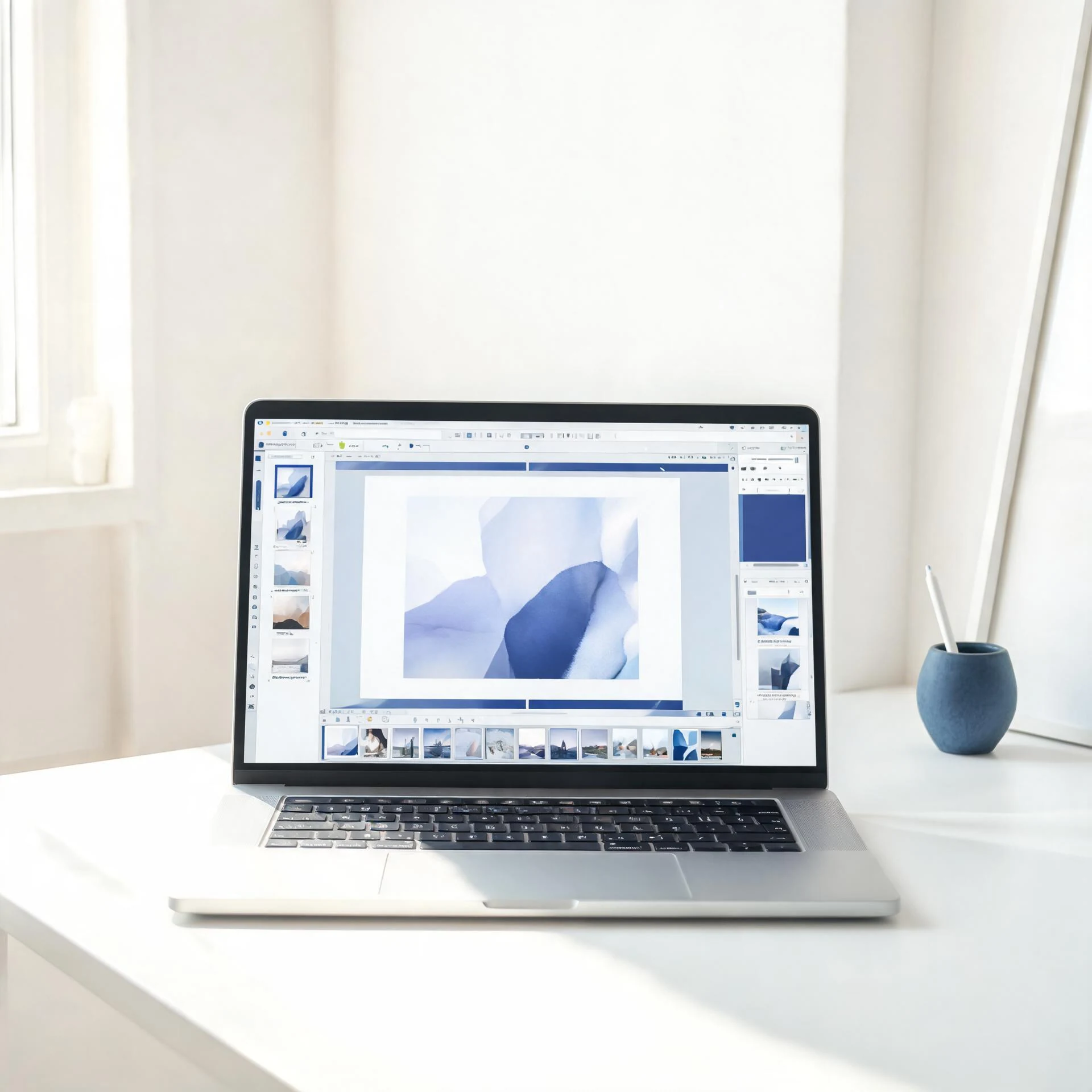
Choose an available AI tool
Upload an image to try this tool.
Enhance image quality with Pixcutly's AI image enhancer. Sign in, upload a photo, and the AI sharpens detail and reduces noise automatically.
Features
An AI photo enhancer that boosts clarity and reduces noise in one pass. Sign in, upload an image, and preview the before-and-after. Works on portraits, product shots, and landscapes.
How to use
- 1
Sign in and upload the image you want to enhance.
- 2
Start processing — the AI enhances it automatically.
- 3
Preview the before-and-after.
- 4
Download the enhanced image.
FAQ
How do I enhance image quality?
Sign in, upload the image, and start processing. The AI sharpens detail and reduces noise automatically.
Do I need to sign in?
Yes. Sign in before starting an AI processing task.
How is the AI image enhancer charged?
AI tools are charged per task from your coin balance; you can top up any time in your wallet.