Colorize Black and White Photos with AI
Colorize black-and-white photos with AI.
Choose an image
Drag & drop your image here, or click to browse
Preview the result
Review the returned image and download it if it meets your needs.
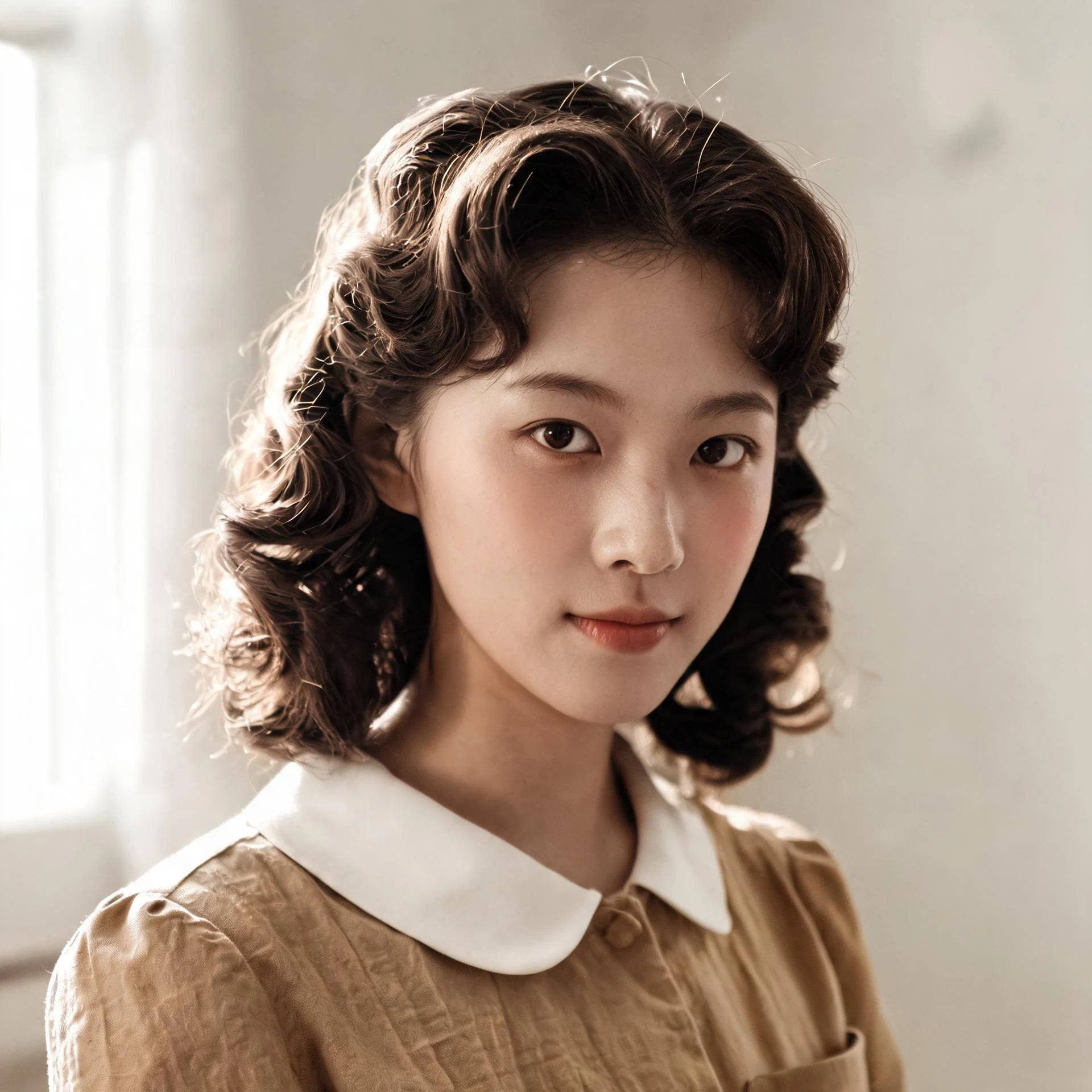
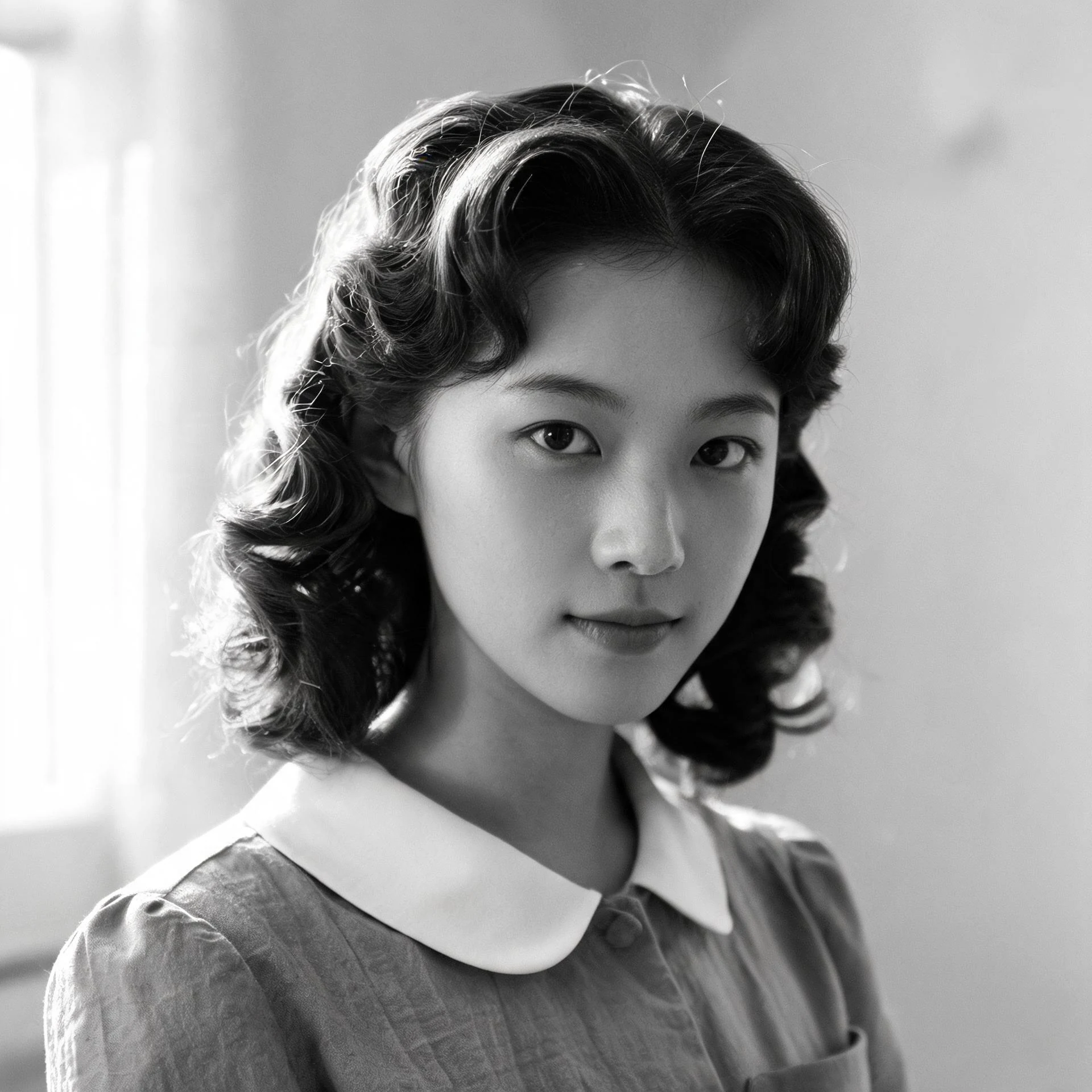
How it works
Upload an image, run the selected tool, then preview and download the returned result.
Upload an image
Choose or drop a supported image.
Process image
The service applies the selected tool to the uploaded image.
Preview the result
Review the returned image and download it if it meets your needs.
How photo colorization works
Sign in, upload a black-and-white photo, and the AI adds natural color automatically.
Natural colorization
The AI predicts realistic colors for skin, clothing and scenery.
One-click color
No manual coloring — the AI colorizes the whole photo in one pass.
Preserved detail
Keep the original brightness and detail while color is added.
Preview and download
Compare the original and the colorized result, then download.
Use the AI tools in your browser
Open a tool in the browser, upload an image, and the editor shows the result for preview and download.
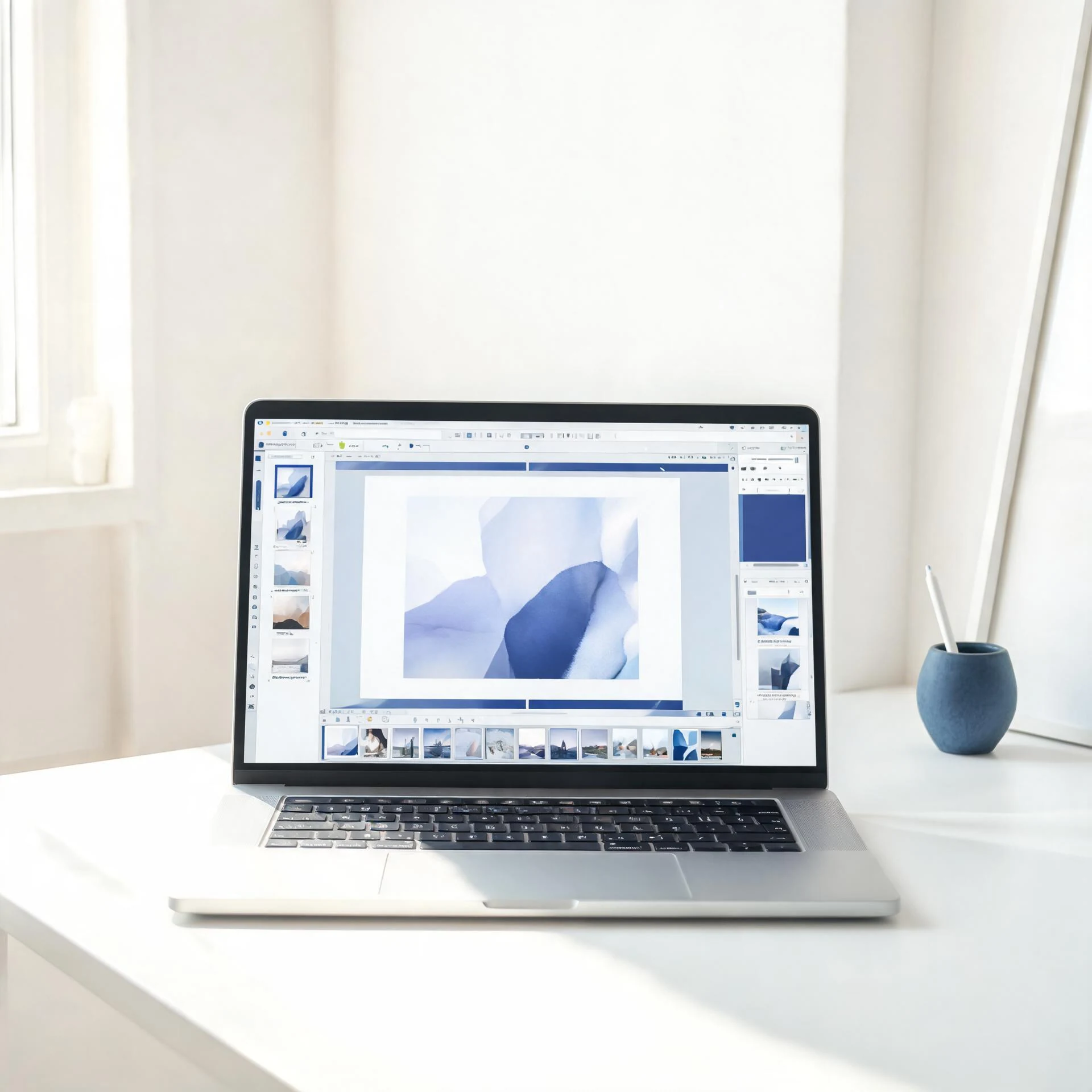
Choose an available AI tool
Upload an image to try this tool.
Colorize black-and-white photos with Pixcutly's AI colorizer. Sign in, upload a monochrome picture, and the AI adds natural color automatically.
Features
AI photo colorization that adds realistic skin tones, sky, and foliage to black-and-white images automatically. Sign in, upload a picture, and download the colorized result.
How to use
- 1
Sign in and upload a black-and-white photo.
- 2
Start processing — the AI adds color automatically.
- 3
Preview the colorized result.
- 4
Download the finished image.
FAQ
How do I colorize a black-and-white photo?
Sign in, upload it, and start processing. The AI adds natural color automatically.
Does it work on old family photos?
Yes — it's designed for vintage portraits and historical photos.
Do I need to sign in?
Yes. Sign in before starting an AI processing task.