Restore Old Photos with AI
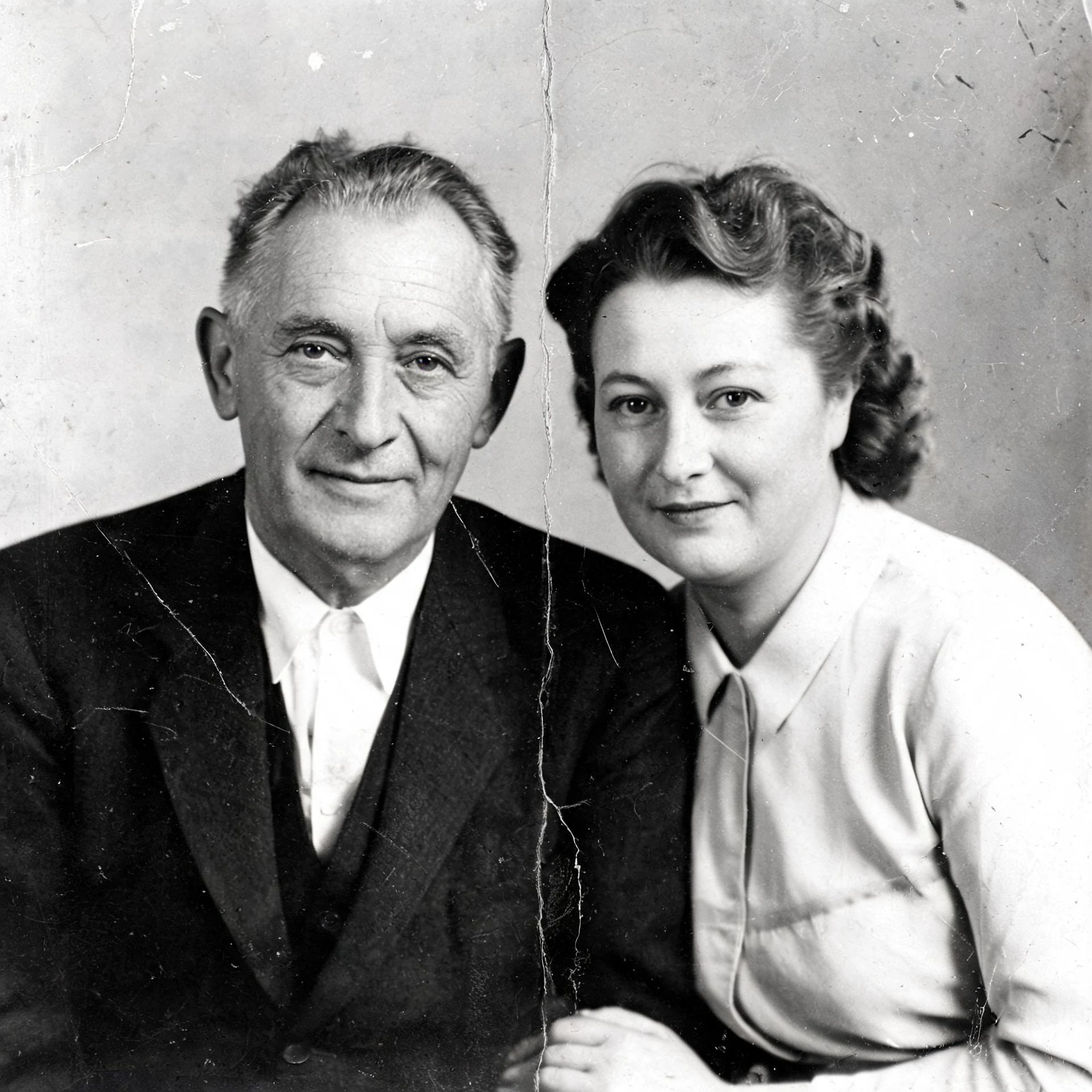
Restore old, damaged photos with AI — repair scratches, creases, and faded color.
Choose an image
Drag & drop your image here, or click to browse
Preview the result
Review the returned image and download it if it meets your needs.

How it works
Upload an image, run the selected tool, then preview and download the returned result.
Upload an image
Choose or drop a supported image.
Process image
The service applies the selected tool to the uploaded image.
Preview the result
Review the returned image and download it if it meets your needs.
How photo restoration works
Sign in, upload a damaged or faded photo, and the AI restores it automatically.
Scratch and crease repair
The AI smooths out scratches, creases and dust automatically.
Faded color recovery
Bring back tones and contrast that have faded over time.
One-click restoration
No manual retouching — the AI restores the photo in a single pass.
Preview and download
Compare the original and the restored photo, then download.
Use the AI tools in your browser
Open a tool in the browser, upload an image, and the editor shows the result for preview and download.

Choose an available AI tool
Upload an image to try this tool.
Restore old photos with Pixcutly's AI photo restorer. Sign in, upload a scanned or vintage picture, and the AI repairs scratches, creases, and faded colors.
Features
Old photo restoration that removes scratches and dust, fixes faded colors, and sharpens soft detail. Sign in, upload a picture, and download the restored image.
How to use
- 1
Sign in and upload a scanned or photographed old picture.
- 2
Start processing — the AI repairs scratches and fading automatically.
- 3
Preview the before-and-after.
- 4
Download the restored photo.
FAQ
How do I restore an old photo online?
Sign in, upload it, and start processing. The AI repairs scratches, creases, and color fading automatically.
Can it fix scratched or damaged photos?
Yes — the restorer is built to remove scratches, dust, and creases from old prints.
Do I need to sign in?
Yes. Sign in before starting an AI processing task.